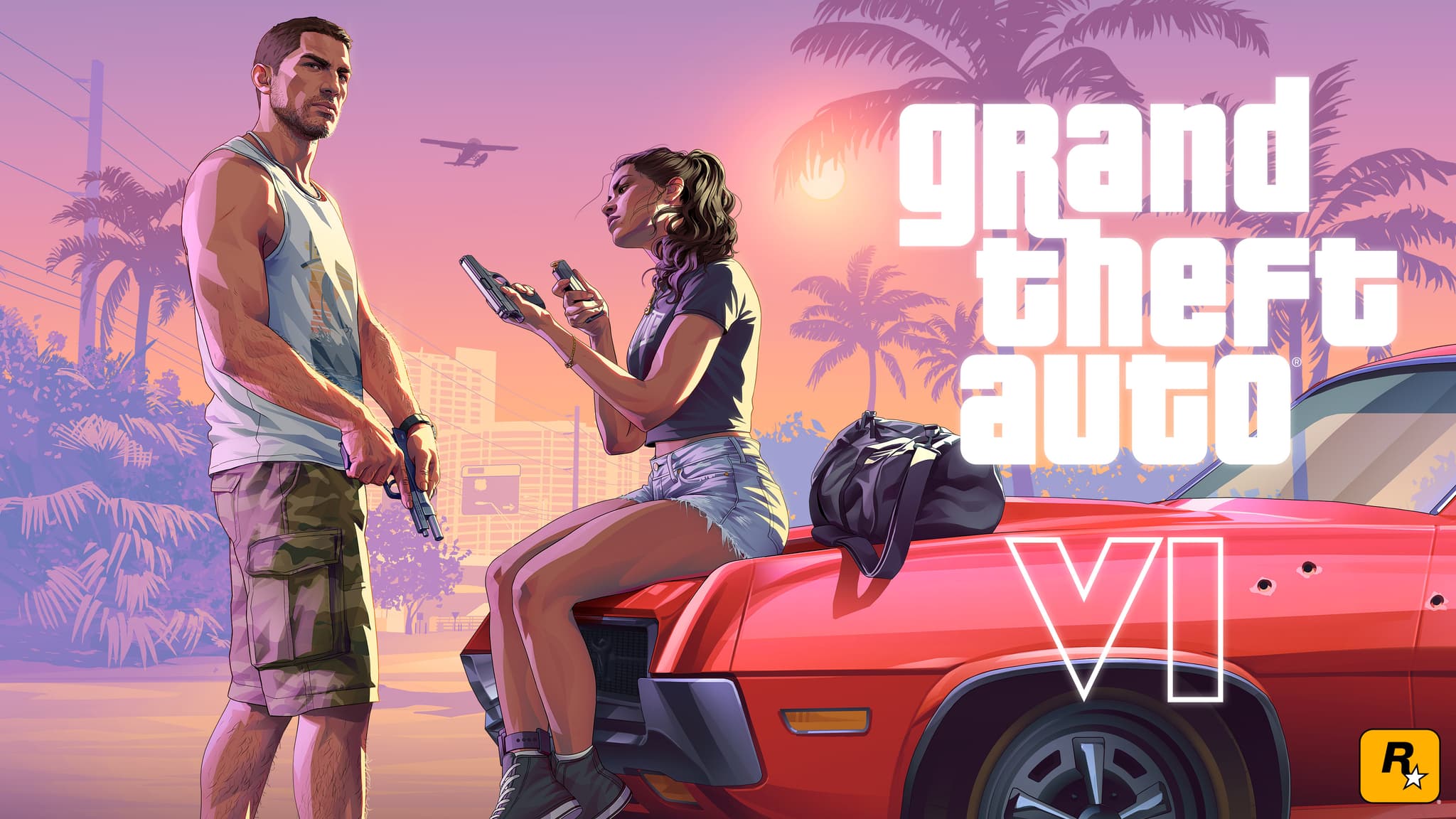
Are you getting your gear ready for the Grand Theft Auto VI launch? We compare the PS5 Pro and PS5 Slim, help you choose a compatible NVMe M.2 SSD, 3D Audio headphones, and controllers.
The scale and scope of Leonida State in Grand Theft Auto VI set new standards for open-world games on the current generation of consoles. The modern architecture of the metropolis of Vice City, the bustling Grassrivers wetlands, the density of crowd simulation, advanced water physics, and dynamic lighting all demand the highest computational performance and stable data transfer from your hardware. Properly configuring your PlayStation 5, having fast storage for installing the massive game files, and carefully selecting peripherals will allow you to enjoy the maximum audiovisual experience from the very first minute of gameplay.
Choosing a Console for GTA 6: PlayStation 5 Pro or PS5 Slim?
Deciding on a hardware platform is a crucial step before the game’s release. Although the game has been optimized for the PlayStation 5 architecture, the differences between the PS5 Pro and the standard PS5 Slim models are noticeable in key technological aspects:
PlayStation 5 Pro: Equipped with a graphics chip 45% faster than the base model, a dedicated PlayStation Spectral Super Resolution (PSSR) upscaler powered by machine learning, and advanced computing units for ray tracing (Ray Tracing). This results in higher image fidelity in neon-lit Vice City, richer reflections on car bodies and wet asphalt, and smoother, more stable animations. The console comes with a built-in 2TB SSD. Availability can be checked on Amazon at the following link: PlayStation 5 Pro Console (2TB).
PlayStation 5 Slim (Disc Edition): A slimmer version of the classic console equipped with a built-in 4K Ultra HD Blu-ray drive and a 1TB SSD. It delivers the full next-generation experience with a proven balance of performance and value. Product page: PlayStation 5 Slim Disc Edition.
PlayStation 5 Slim (Digital Edition): A model without an optical drive, featuring the same processor and graphics card performance as the disc-drive variant. It lets you save money on the console purchase and focus 100% on your digital library, while retaining the option to add a modular disc drive later: PlayStation 5 Slim Digital Edition.
Is it worth buying an optical drive for the PS5 Pro and Digital Edition? (Beware of the trap)
Many gamers considering the purchase of a PlayStation 5 Pro or PS5 Slim Digital console are wondering whether the detachable disc drive is a necessary accessory for Grand Theft Auto VI. The answer is a definite no, and this purchase may turn out to be an unnecessary expense.
The current market for physical releases of big-budget AAA games is undergoing a profound transformation. Increasingly, even standard and collector’s boxed editions contain only a one-time activation code for downloading files from the PlayStation Network instead of a physical disc. Furthermore, games of this scale require the immediate download of several gigabytes of launch data (the so-called “Day One Patch”), which means that even a physical disc doesn’t eliminate the need for a high-speed internet connection.
Purchasing the Official PlayStation Disc Drive is justified in only two specific scenarios: when a player has a substantial collection of movies on 4K Ultra HD Blu-ray discs at home-ray discs at home, or if they intend to play used boxed games from PlayStation 4 and earlier PS5 releases before the game’s launch.
Storage Upgrade: Which M.2 NVMe SSD Should You Choose for GTA 6?
The open world of Leonid, hundreds of faithfully recreated vehicle models, detailed high-resolution textures, and building interiors that load without any loading screens will consume a massive amount of storage space. Experience from previous projects of similar scale suggests that the base installation alone could take up between 150 and over 200 GB. With the console’s stock 1TB drive (part of which is occupied by the operating system), free space will run out in no time.
The solution is to install an additional SSD in the console’s internal M.2 slot. According to Sony’s official technical specifications, the storage device must meet strict requirements:
Interface: PCIe Gen4 x4 M.2 NVMe SSD.
Sequential read speed: at least 5,500 MB/s (7,000 MB/s or higher recommended for full streaming buffer safety).
Heat sink required: The drive generates high temperatures during continuous data transfer. Lack of effective heat dissipation leads to thermal throttling (a drop in speed) or overheating of the console. The combined thickness of the heatsink and the drive must not exceed 11.25 mm.
Two tested and fully compatible models recommended for the PlayStation 5:
WD_BLACK 2TB SN850P NVMe M.2 SSD with heatsink — an officially licensed drive featuring the PlayStation logo, factory-equipped with a dedicated heatsink that fits perfectly into the PS5’s mounting bay and offers read speeds of up to 7,300 MB/s.
Samsung 990 PRO 2TB PCIe Gen4 NVMe M.2 SSD with heatsink — one of the most powerful drives on the consumer market, achieving read speeds of up to 7,450 MB/s and featuring very low power consumption and a cool heatsink.
Precision Vehicle Handling and Charging: DualSense Edge and Docking Station
One of the pillars of immersion in Grand Theft Auto VI is the physics of driving cars, motorcycles, and speedboats, as well as the mechanics of dynamic firefights. The DualSense controller plays a key role in this thanks to its advanced haptic motors and adaptive triggers:
Haptics: Allows you to physically feel the difference in road surfaces—from the smooth concrete of Ocean Beach to the mud of the Grassrivers wetlands.
Adaptive triggers: They dynamically apply resistance under your index finger, simulating the loss of traction from a muscle car’s tires or the varying resistance of machine gun and revolver triggers.
For players seeking the highest precision, the DualSense Edge Wireless Controller is the uncompromising choice. Additional rear paddles let you shift gears, apply the handbrake, or jump without taking your thumb off the right camera stick. Adjustable trigger locks reduce reaction time during shootouts, and if the thumbstick mechanisms wear out, you can replace a single module without having to buy a new controller. For co-op gameplay, the classic DualSense Wireless Controller (Standard) remains the go-to choice.
Multi-stage missions and extensive exploration of Vice City also require you to manage your battery life. Instead of plugging cables into the console’s front ports, it’s worth getting the Official DualSense Charging Station. The station charges two controllers simultaneously using the Click-in system at the same speed as the console, allowing for a seamless rotation of controllers during gameplay.
The Vice City atmosphere without interruptions: 3D Audio headphones and HDMI 2.1 (VRR) bandwidth
The audio in Rockstar Games titles is half the atmosphere—from radio stations playing in cars to the sounds of tropical storms and police sirens approaching from side streets. Tempest 3D AudioTech on PlayStation 5 processes hundreds of independent sound sources, allowing for precise vertical and horizontal localization of enemies.
To fully experience spatial audio positioning, it’s worth investing in a dedicated wireless headset:
Sony PULSE Elite Wireless Headset — equipped with audiophile-grade planar magnetic drivers offering an exceptionally wide frequency response, lossless PlayStation Link technology, and a retractable microphone with AI noise cancellation.
SteelSeries Arctis Nova 7P Wireless Gaming Headset — a renowned headset with a battery life of up to 38 hours, offering simultaneous connection to a console (2.4 GHz wireless) and a smartphone (Bluetooth), as well as full compatibility with the PS5 audio engine.
The icing on the cake for a GTA 6 setup is the video signal transmission path to the TV. To ensure that the console seamlessly transmits a full 4K signal with HDR support, automatic low-latency mode (ALLM), and Variable Refresh Rate (VRR) (Variable Refresh Rate) that prevents frame tearing during dynamic scenes, you’ll need a Certified Ultra High Speed HDMI 2.1 cable (48 Gbps, 4K/120 Hz VRR) with the official HDMI Association certification.
Summary: Set Up Your Gaming Rig Before the Release
Properly setting up your gaming rig before the release of Grand Theft Auto VI will help you avoid a last-minute scramble to find compatible components and issues with running out of disk space on launch day. Choosing the right PlayStation 5 model, expanding storage with a certified M.2 SSD featuring a robust heatsink, and ensuring the controller’s ergonomics and spatial audio are optimized will guarantee a smooth, immersive journey through the state of Leonida from the very first second.